
Finally, DocumentationKnowledge BaseResource Library Isn't Boring
Where simplicity sparks genius
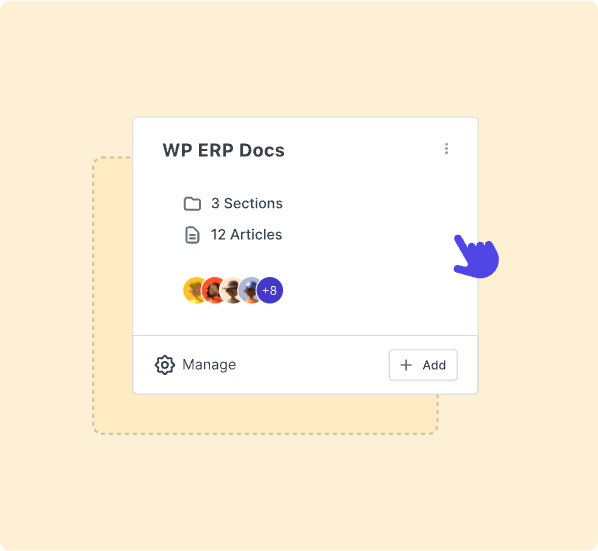
Discover the magic of weDocs — where simplicity meets
productivity. Effortlessly create new docs with just a few
clicks and organize your documentation as smoothly as a
breeze. Unleash your creativity with weDocs’ intuitive design,
making documentation a piece of cake.
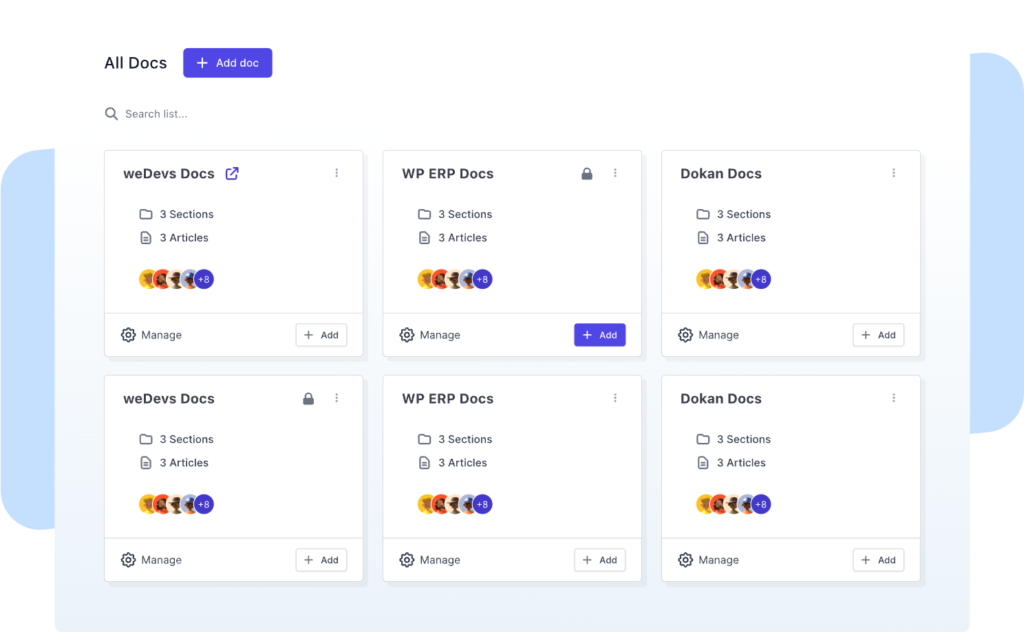
Create multiple KBs
Create and manage multiple knowledge bases effortlessly within weDocs. You can even set separate permissions on each KB.
Embed anywhere
Use shortcode to effortlessly integrate weDocs content across your site, including Elementor and other page builders, with simplicity.
Tags to better categorize
Improve documentation organization with weDocs by creating, using, and managing multiple tags effectively for better organization.
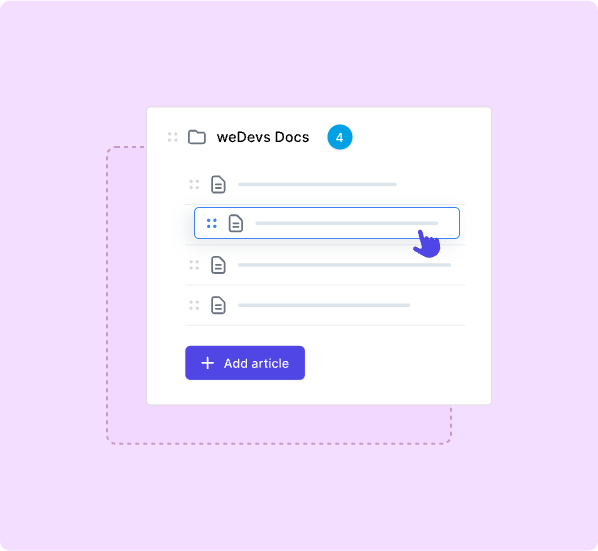
Drag and drop to sorting
Efficiently sort and organize your documentations with
weDocs using the user-friendly drag and drop feature.
Organize the contents as per your needs or based on
different hierarchy.
Compatible with WordPress language plugin
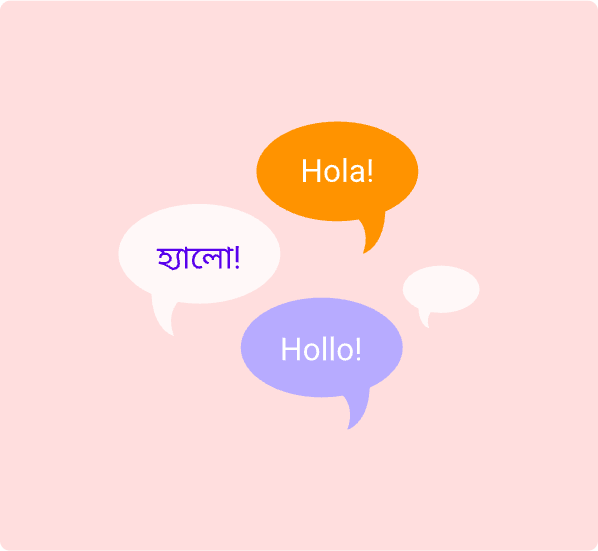
weDocs is compatible with Weglot, the language plugin for WordPress. That means it is very simple to create multilingual documentations with weDocs. With Weglot you can translate documentations to 100+ languages.
Your WordPress, your docs – your style!
Customize weDocs just the way you like it. Mix and match different themes, or use your own documentation style – weDocs supports it all.
Use pre-made awesome-looking templates (e.g., Tailwind Docs style/Bootstrap 4 docs style)
Use your own templates
weDocs in action!
For BusinessFor CreativeFor AgencyFor PortfoliosFor Products
Beautiful front-end components built for modern startups.
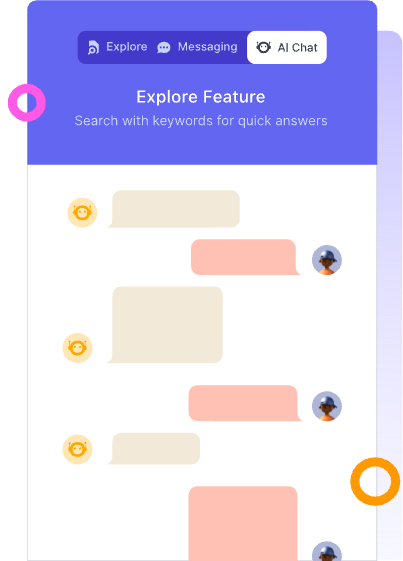
AI ChatBot
weDocs AI bot learns from your documentation and answers it. This is ChatGPT for your Docs. An AI bot continuously learns from your docs and user queries and gets trained by a GPT3.5 model. All website is individually trained to make sure the bot answers with the most accuracy.
The AI bot can reduce your support queries by up to 73% and the audience can get the right information just by asking the bot. Easy, peasy, and absolutely magical!
Have a query? Please check this question and answers
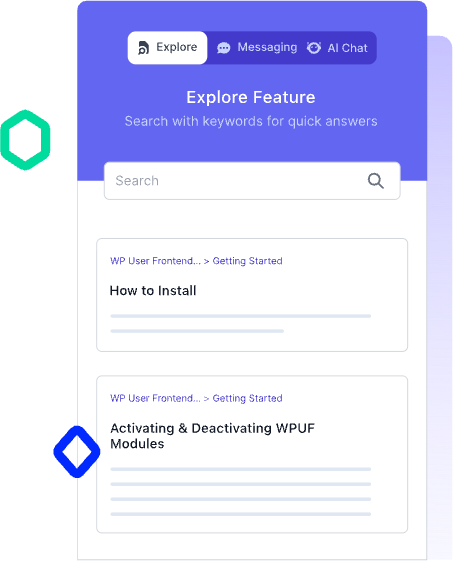
Explore
Tired of answering the same questions over and over again? Want to show the most frequently accessed docs without even users asking them? The Explore tab of the Assistant Widget shows the most commonly accessed and popular docs straightforwardly, ensuring the audience doesn’t miss the essential docs.
Appearance
The weDocs UI is fully customizable (change colors, texts, custom icons, background color, active tab color, inactive tab color, send button color, bubble background color, tab arrangement order, & more), and you can edit according to your branding preferences
-
Color palletes
Use pre-defined color palettes to customize your Assistant Widget
-
Custom colors
Use custom colors to personalize each element of the Assistant Widget

The best WordPress knowledge base plugin
weDocs is a product of weDevs, a trustworthy brand that’s powering more than 530K+ Websites
on the internet. Don’t miss out on the ultimate documentation solution for WordPress!
Try weDocs now, and never let your content be lost in the chaos again
Get in Touch
- 160 Robinson Road #14-04 SBF Centre Singapore, Singapore 068914, SG
- [email protected]